HBO Max
Stream the most talked about shows and movies featuring the worlds of HBO, the DC Universe, Harry Potter, and beyond – plus live sports and more.
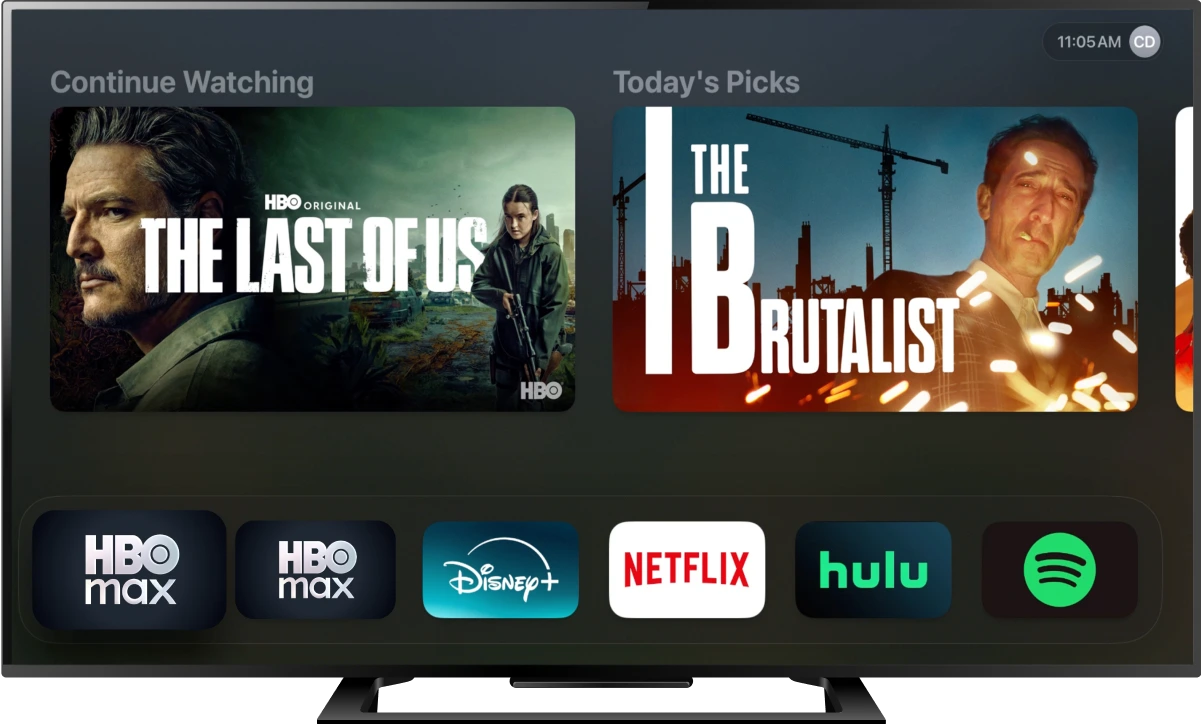

Tune to channel 865 HD or 365 SD on your Fiber TV remote or 1852 HD or 852 SD on your Frontier TV remote and follow the on-screen instructions to order.
Download the HBO Max app, available on your favorite devices
Choose SIGN IN on the app and CONNECT YOUR PROVIDER, select FRONTIER.
Enter your FRONTIER Username and Password
Create an account, set up your profiles, and START STREAMING



HBO Max is an entertainment experience where customers can stream the most talked about shows and movies featuring the worlds of HBO, the DC Universe, Harry Potter, and beyond. Subscription Includes:
*Not all plans include HBO channels or On Demand.
It’s easy! Customers will need to either download the HBO Max app on a mobile device, or visit hbomax.com.
Is your customer subscribed to HBO Max through Verizon Perks or the Disney+, Hulu, and HBO Max bundle? Follow these steps:
Yes! Customers can stream entertainment from the HBO Max app to their TV either on a connected device or by downloading the app directly to their smart TV.
Customers can go to help.hbomax.com for more helpful information about supported devices, including provider specific receivers.
Yes! Spanish Speaking Customers now have the option to experience the HBO Max App in Spanish! To update this customers must:
Customers can also enjoy their programming in Spanish with Spanish subtitles when available by selecting “Details” on a title and selecting “Spanish.”
Once a customer turns on Spanish dubbing or subtitles all programming will default to this setting.
Yes! HBO Max has an expanded catalog of programming for everyone in the home. HBO Max will continue to have the HBO Programming that has everybody talking, plus action favorites from the DC Universe, and family friendly programs for kids, teens and parents to enjoy.
Customers can create up to 5 profiles, including profiles just for kids, plus profile PINs for adults, audio descriptions on select titles, and more.
For a full list of available features, customers can visit help.hbomax.com and search “Features.”